Android-to-Android
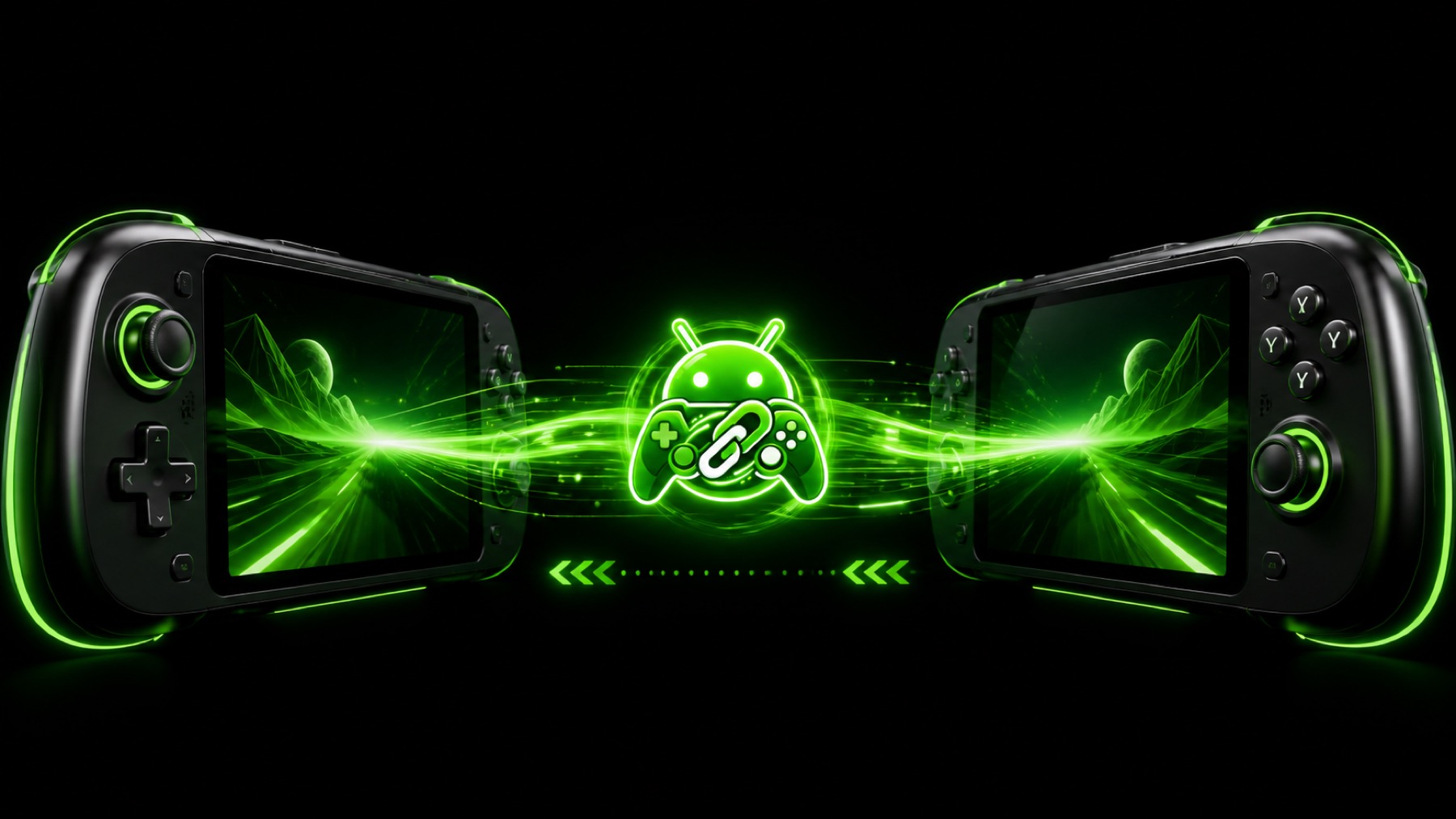
Stream a host Android screen to a second Android phone, tablet, or handheld.
 DROIDLINK
Low-latency Android-to-Android screen streaming, game audio, and controller sharing—built for real gameplay.
GitHub Releases remains the source of truth. This page always links directly to the APK hosted by GitHub.
Release details will appear here.
Stream a host Android screen to a second Android phone, tablet, or handheld.
Forward physical controller input to the host over a WebRTC DataChannel.
Carry compatible game and device audio alongside the video stream.
Host or join with a room code, using direct P2P when possible and TURN fallback when needed.
WebRTC adjusts quality to changing device and network conditions.
Inspect route, latency, video, audio, and controller performance inside the app.
Stable and experimental builds are labeled from their GitHub release status.
Loading public GitHub releases…
Download the DroidLink APK from this site or GitHub Releases.
Open it from your browser download or Android file manager.
If Android asks, allow installation from that browser or file manager only.
Complete installation, then open DroidLink on both devices.
DroidLink never asks you to disable Android security globally or bypass Play Protect.
Talk with other users, get help, compare device and controller compatibility, share test results, and follow development updates. Use GitHub Issues for formal, reproducible bug reports.
DroidLink is an independently created Android project built through AI-assisted development and iterative physical-device testing. It is not an official product of OpenAI, Google, Android, or any device manufacturer.
View the MIT-licensed source, report reproducible bugs, or browse every release on GitHub.